Find your next
useful move.
What each tool does. When to use it.
Short demonstrations to make it tangible.
14 tools
 Feature video
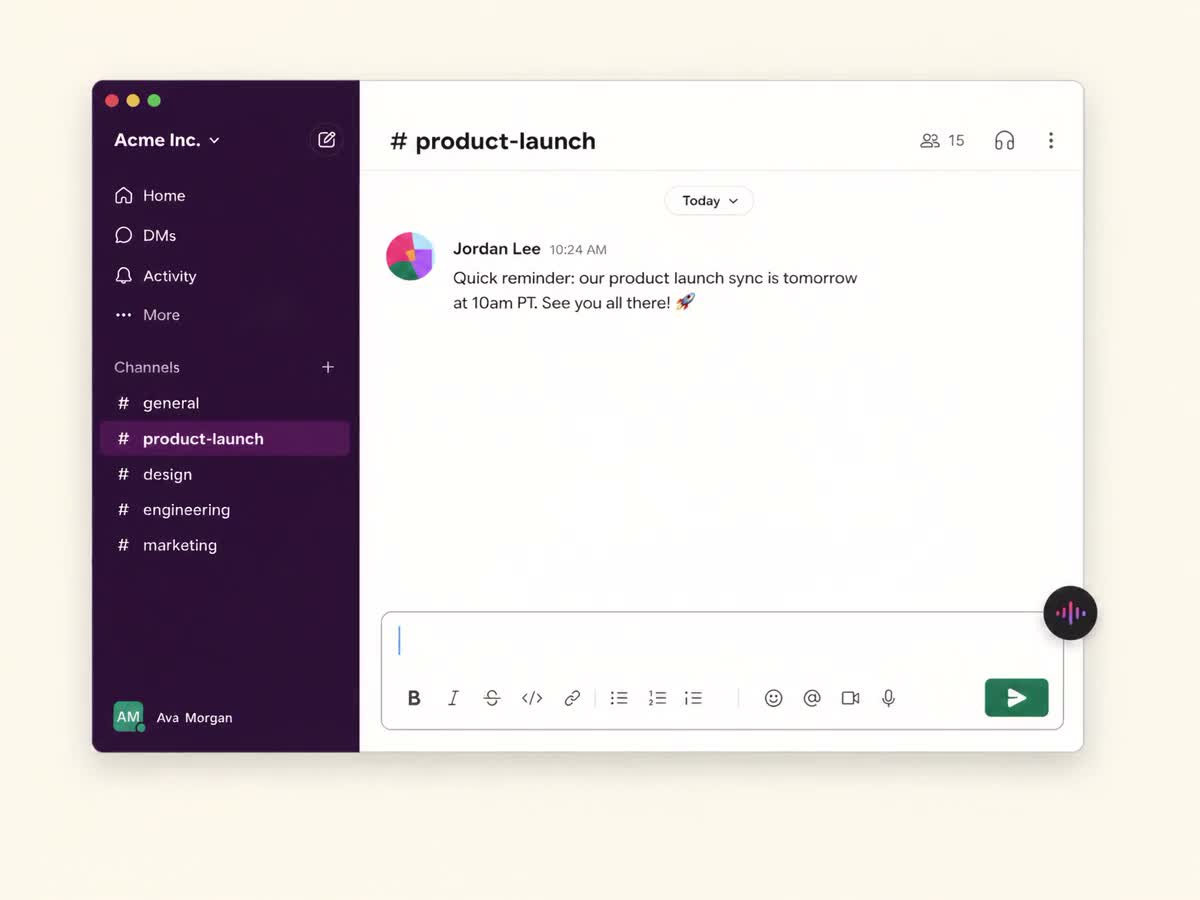
Dictation
Turn spoken thoughts into text where you work.
Explore Dictation ↗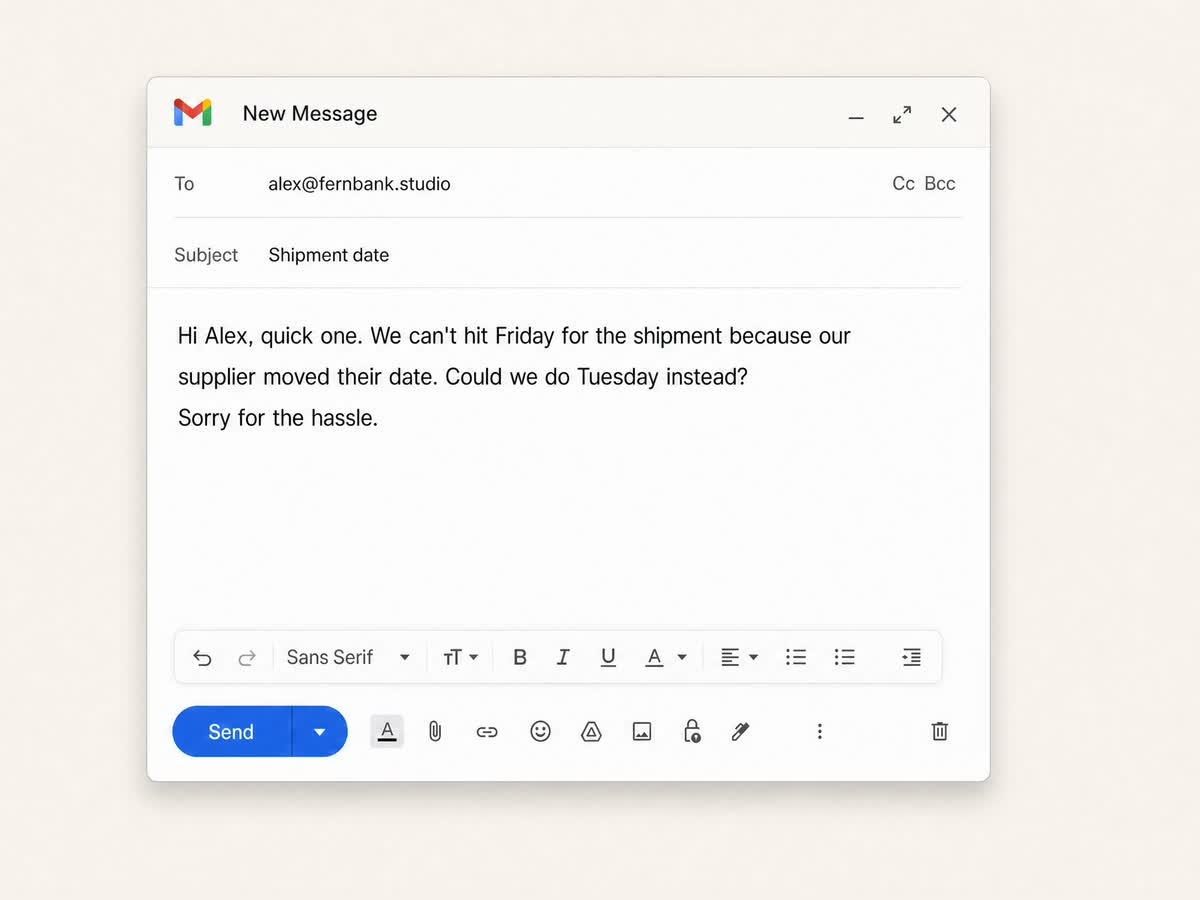 Feature video
Grammar & rewrites
Correct grammar and sharpen selected writing without rebuilding the draft.
Explore Grammar & rewrites ↗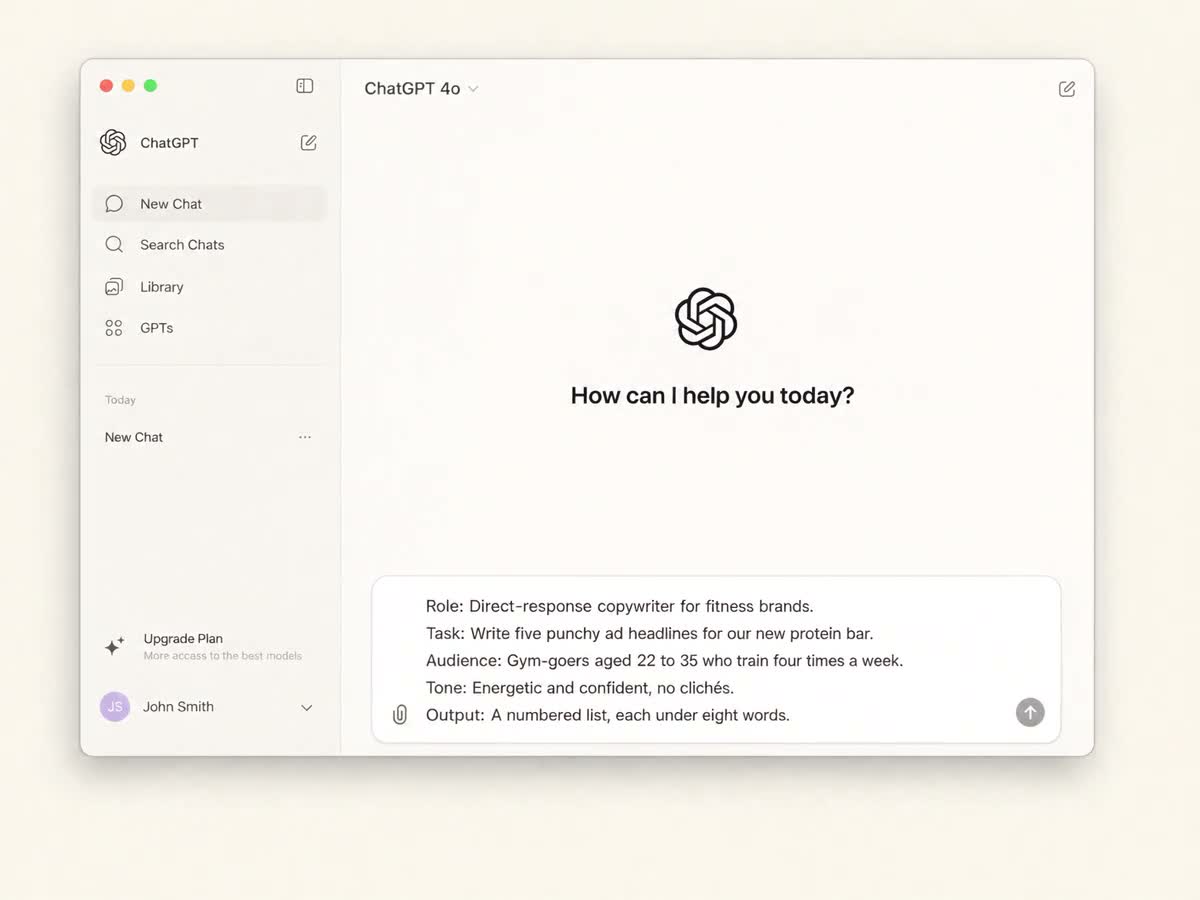 Feature video
Prompt enhancement
Choose Quick, Structured or Engineered prompting and bring relevant project context into the instruction.
Explore Prompt enhancement ↗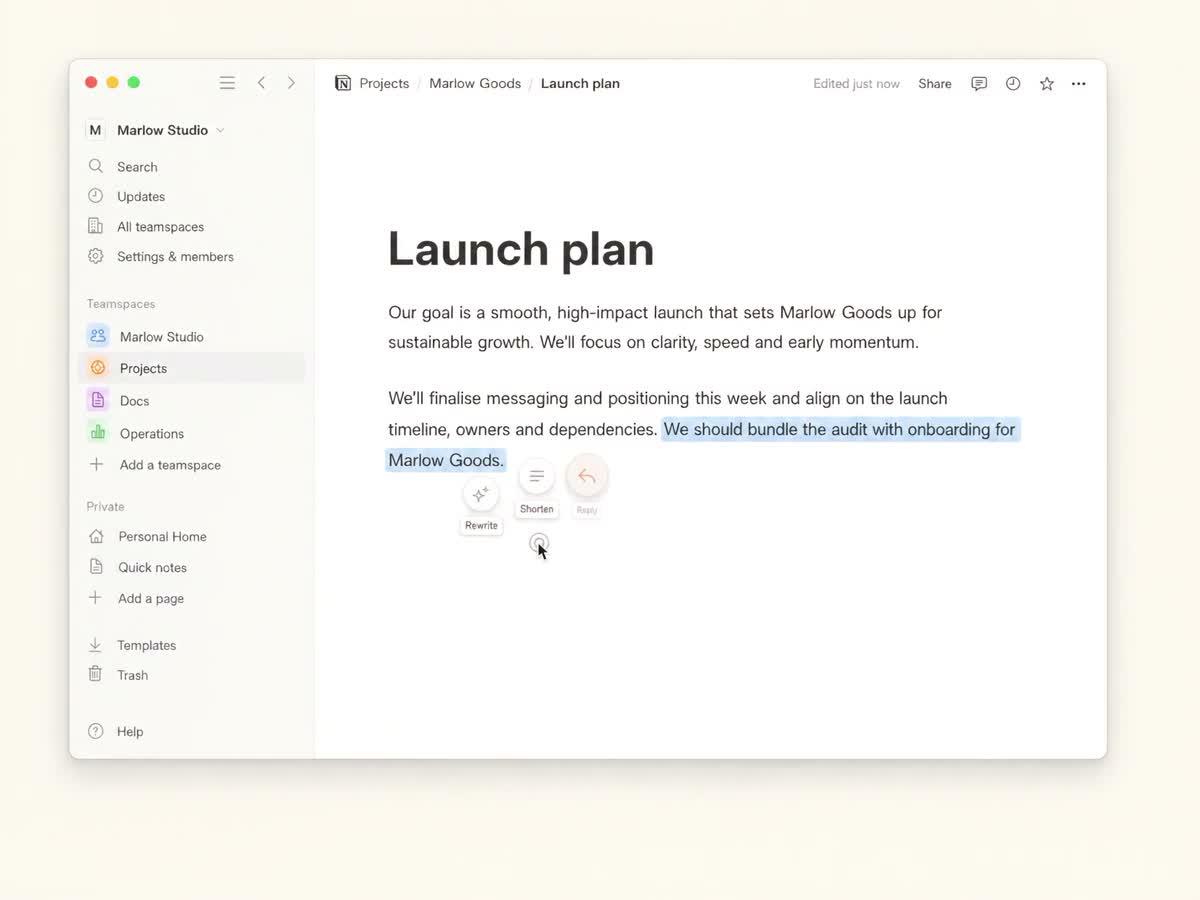 Feature video
Text actions
Open writing actions near your selection to keep the task close.
Explore Text actions ↗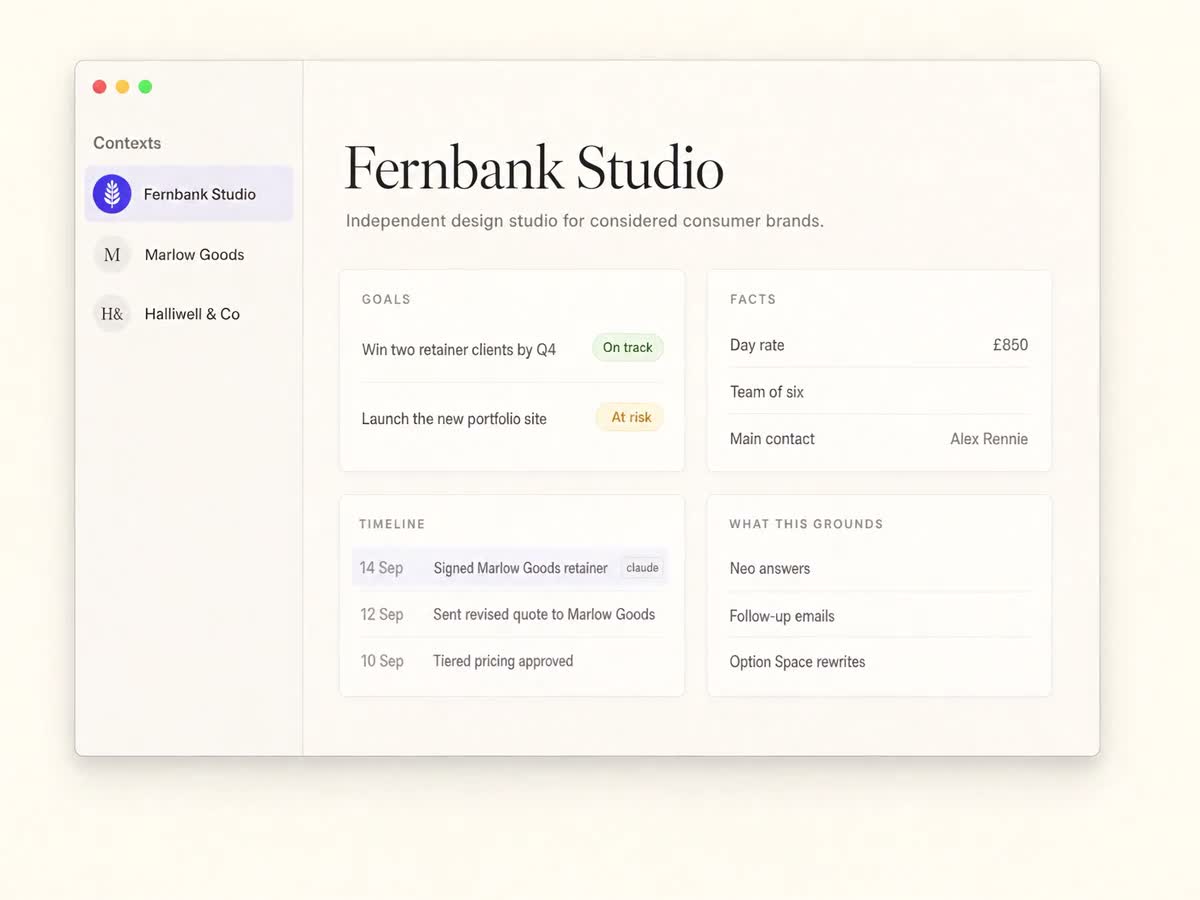 Feature video
Project context
Save the facts and preferences that make the next request more specific.
Explore Project context ↗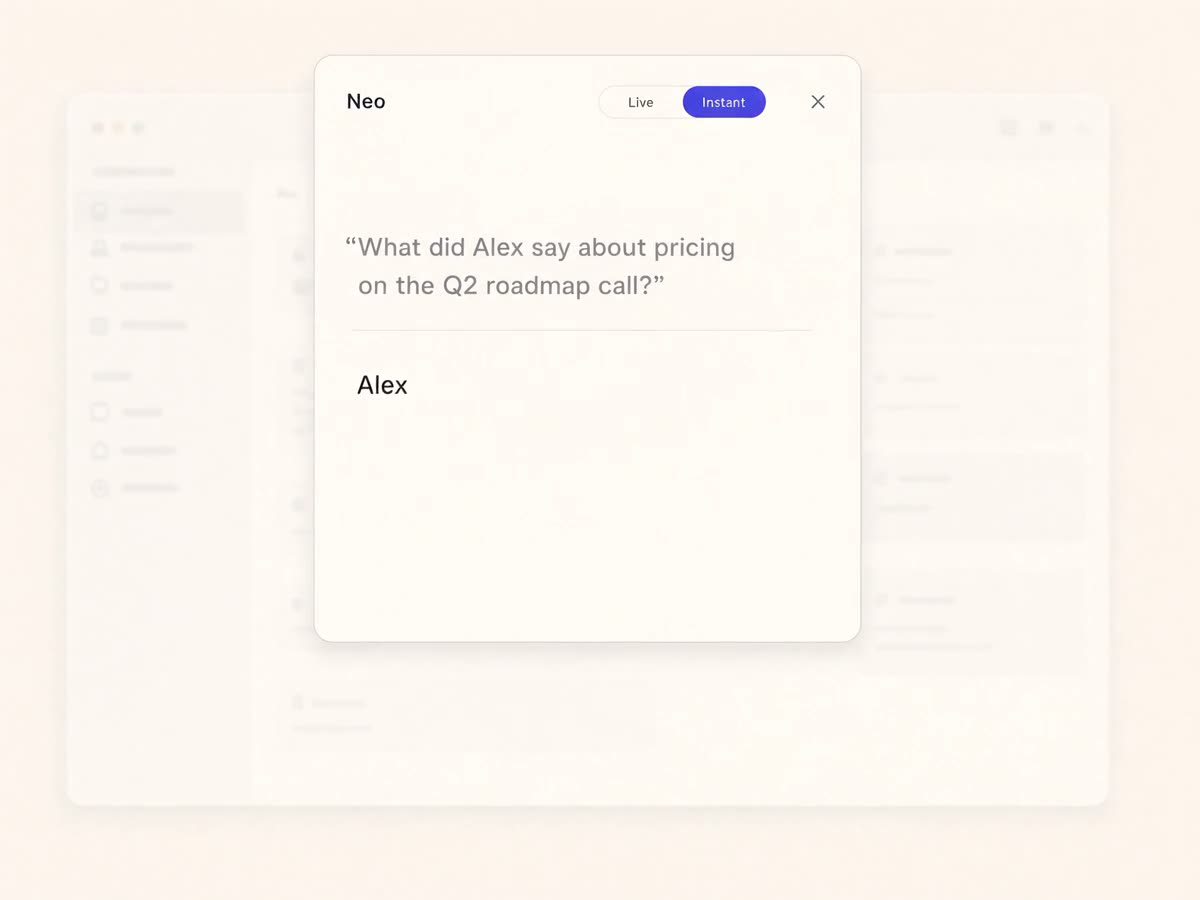 Feature video
Neo
Find answers from previous project information and conversations.
Explore Neo ↗ Screenshots
Screenshots
Capture useful visual information and search the text inside your screenshots.
Explore Screenshots ↗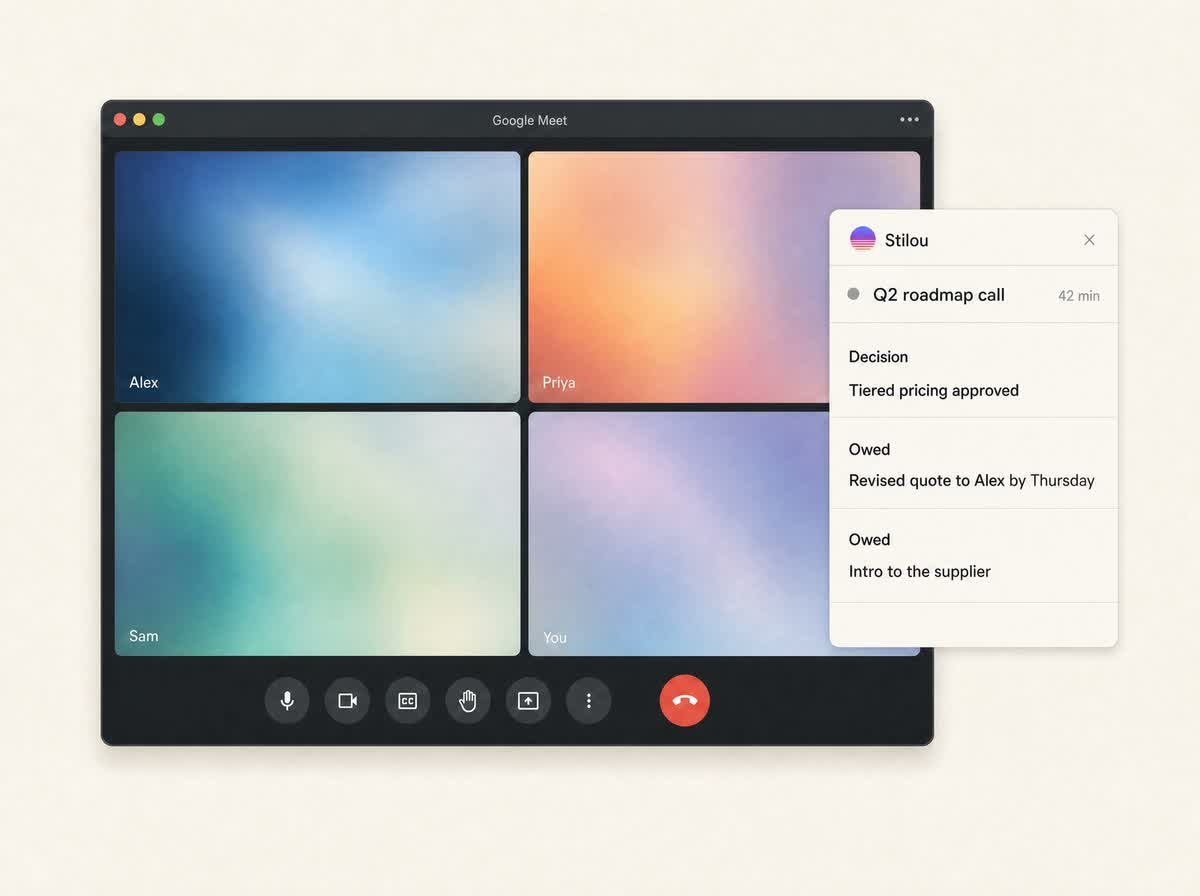 Feature video
Calls
Keep client conversations connected to the work they inform.
Explore Calls ↗SignalsSignals
Explore Signals as part of the Agency Beta client-work surface.
Explore Signals ↗Action BoardAction Board
Explore the Agency Beta surface for following work forward.
Explore Action Board ↗NotebookNotebook
Keep written project material close to the context you return to.
Explore Notebook ↗TasksTasks
Explore the Tasks surface for organising the work ahead.
Explore Tasks ↗Connect your AIConnect your AI
Connect a compatible AI client through MCP to read project context and record facts through the tools you enable.
Explore Connect your AI ↗RecordingsRecordings
Explore recordings as part of the Agency Beta workflow.
Explore Recordings ↗No tools match that search.
Try a shorter phrase, or reset the filters.
Videos are illustrative feature films from an earlier site version. Current app screens may differ. Agency features are part of the beta scope.